


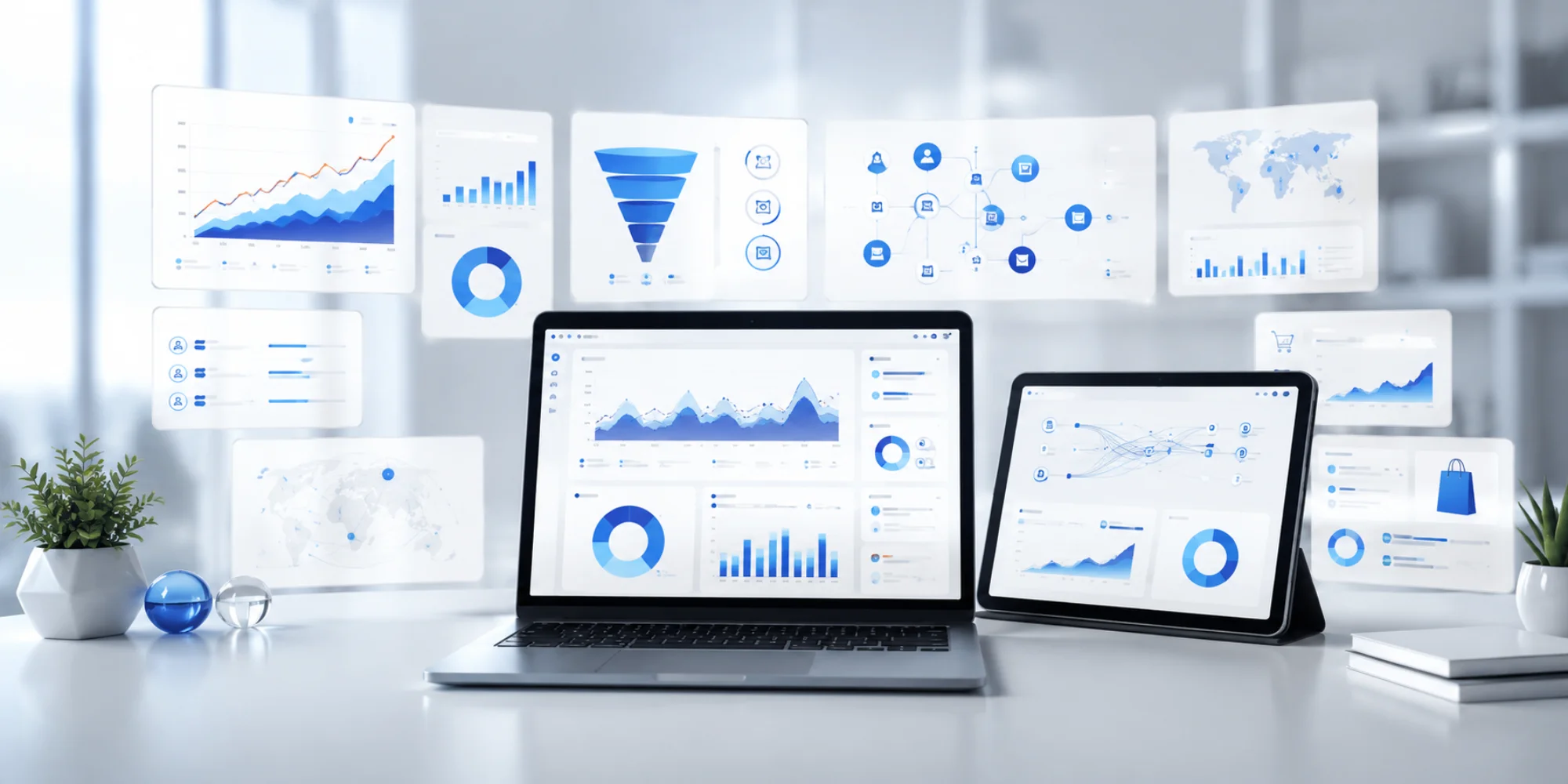
This GA4 tracking implementation guide helps businesses understand how to set up Google Analytics 4, track important events, measure conversions, analyze customer journeys, and improve marketing decisions with accurate data in 2026.
The contemporary digital-first business world demands that the behavior of customers should be understood in order to realize long-term growth and success in marketing. Companies are no longer making assumptions to decide. They instead employ sophisticated analytics to quantify web traffic, user interactions, conversions, as well as enhance customer experiences. That is why the implementation of GA4 tracking has already become one of the top priorities of businesses in 2026. With Google Analytics 4, businesses can gather relevant data and convert it into valuable insights to lead to smarter business decisions.
As Universal Analytics has been replaced by GA4, the latter offers businesses a more sophisticated event-based tracking platform that can be used to monitor the contemporary customer experience. Users can communicate using websites, mobile devices, or ecommerce platforms, but in any case, GA4 has a full view of user behavior. Since Google Analytics 4 is set up with the ability to track customer journeys through to GA4 conversion tracking, businesses will be able to track each customer journey step and make their marketing campaigns more efficient. This is best applied through proper implementation that guarantees correct reporting, better ROI tracking and decision making across digital channels.
What is GA4 and How It Works
Google Analytics 4 is the most recent analytics software that Google has come up with to assist businesses in tracking and measuring the performance of websites and applications. In contrast to the older analytics platforms where the major emphasis was placed on sessions and pageviews, GA4 adheres to an event-based model according to which each interaction is logged as an event.
This new practice enables the businesses to monitor activities like:
- Page views
- Scroll activity
- Button clicks
- Video engagement
- Form submissions
- Purchases
- Downloads
The event tracking flexibility of GA4 can assist businesses to gain a better insight into the user engagement and enhance customer experiences.
Preparing for GA4 Implementation
Businesses are recommended to determine their objectives and the most valuable user interactions before beginning a GA4 tracking implementation.
Define Business Goals
Businesses commonly track:
- Lead generation
- Online sales
- Form submissions
- Product purchases
- User engagement
- Appointment bookings
Clear goals help create a structured analytics strategy.
Identify Key Events
Such events of importance may involve:
- Contact form submissions
- CTA button clicks
- Product page visits
- Add-to-cart actions
- Checkout completions
Monitoring these activities assists companies to enhance marketing activities and customer experiences.
Setting Up Your GA4 Property
The initial implementation process is to make a GA4 property right.
Create GA4 Property
To begin:
- Log into Google Analytics
- Go to Admin settings.
- Build a new GA4 property.
- Set up timezone and business information.
- Produce a web data stream.
To prevent future reporting problems, businesses ought to take appropriate settings of properties at the onset.
Configure Data Streams
GA4 utilizes data streams in order to gather information on websites and mobile applications. Correct configuration will make sure that all the interactions with customers are captured properly.
Installing GA4 Tracking
When the property has been created businesses can install tracking on their site.
Using Google Tag Manager
Google Tag Manager will be among the most effective to use when it comes to implementing GA4 tracking. It enables companies to operate tracking tags without entering directly to website code.
Benefits include:
- Easy tag management
- Faster implementation
- Simplified event tracking
- Better scalability
Direct Installation
Direct installation of GA4 can also be done in businesses using:
- Global site tag
- CMS integrations
- Ecommerce platform plugins
Platforms like WordPress and Shopify often support direct GA4 integrations.
Verify Tracking Setup
Upon installation, businesses must check tracking with:
- Realtime reports
- DebugView
- Google Tag Assistant
This will guarantee the proper data collection.
Configuring Essential Events and Conversions
Event and conversion set up is one of the most crucial components of GA4 tracking implementation.
Page Views and Scroll Tracking.
GA4 automatically monitors a number of interactions such as:
- Page views
- Scroll depth
- Outbound clicks
- Site searches
- File downloads
These insights enable the businesses to know the way the users engage with the content.
Form Submissions and Button Clicks
Custom event tracking enables businesses to track the important actions such as:
- Lead form submissions
- CTA interactions
- Demo requests
- Newsletter signups
Properly tracked GA4 conversions can enhance conversion and optimization of campaigns.
Conversion Tracking
Marking of key events can be used by businesses as conversions to gauge success more effectively. The typical conversion events are:
- Purchases
- Form completions
- Checkout actions
- Appointment bookings
The proper conversions tracking is critical in a measurement of ROI.
Enhanced Ecommerce Tracking
In the case of ecommerce businesses, GA4 has sophisticated ecommerce tracking features.
Product and Cart Tracking
Businesses can track:
- Product impressions
- Product clicks
- Add-to-cart actions
- Remove-from-cart activity
This information can be used to determine the best performing products and customer behaviour patterns.
Checkout and purchase tracking.
GA4 also tracks:
- Checkout starts
- Payment submissions
- Purchases
- Refunds
The insights can assist the businesses to maximize checkout experiences and minimize cart abandonment.
Integrating GA4 with Marketing Tools
GA4 is even more potent when linked with other platforms.
Google Ads Integration
When combined with Google Ads, GA4 assists businesses to:
- Import conversions
- Build remarketing audiences
- Improve campaign targeting
- Measure ad performance
Search Console Connection
The integration of search console offers useful SEO information such as:
- Organic traffic data
- Search queries
- Landing page performance
This assists in better search visibility and content optimization.
CRM and third-party integrations.
GA4 is frequently used together with:
- CRM systems
- Email marketing platforms
- Call tracking software
- Automation tools
These unifications form an end-to-end marketing data ecosystem.
Building Custom Reports and Dashboards
Custom reports assist companies in putting emphasis on the most important metrics.
Important Metrics
The major business measures are:
- Users
- Engagement rate
- Conversion rate
- Revenue
- Traffic sources
Individual dashboards make it easy to monitor performance.
Audience Insights
GA4 reports audience in detail including:
- Demographics
- Device usage
- User behavior
- Traffic acquisition
These reports are helpful in making improved marketing decisions and targeting the audience.
Common GA4 Mistakes to Avoid
Lack of proper implementation practices is a problem to many businesses.
Incorrect Event Setup
Poor event set up may bring about untrue data and unreliable reporting.
Duplicate Tracking
The installation of more than one GA4 tag can lead to the collection of multiple data, overstated traffic, and false conversions.
Ignoring Data Validation
To validate tracking with real time reports and debugging tools, businesses should frequently test and test their tracking.
Future of Analytics in 2026
The future of analytics is about privacy, automation, and insights driven by AI.
AI-Driven Analytics
GA4 offers predictive insights such as:
- Purchase probability
- Revenue forecasting
- Customer churn analysis
These features help businesses make proactive decisions.
Privacy-First Tracking
As privacy regulations evolve, GA4 supports:
- Consent mode
- Cookieless tracking
- Enhanced data controls
This renders it more future-proof to business.
Cross-Platform Measurement
The current customer experience takes place on multiple platforms and devices. GA4 assists companies with tracking users across websites and apps to enable more accurate attribution and reporting.
Conclusion
An effective implementation of GA4 tracking will also allow companies to understand how customers act, enhance their marketing, and make decisions with confidence using their data. Originally, the setup of events and conversions, ecommerce tracking, and custom dashboard, each stage of the implementation process adds to the reporting accuracy and business growth. Firms investing in an effective Google Analytics 4 would have insightful information, which would enhance the optimization of the campaign, customer interaction, and the general ROI.
Since digital marketing is constantly developing in 2026, companies will require analytics solutions that will facilitate privacy-oriented tracking, AI-based reporting, and cross-platform measurement. GA4 offers the capability and flexibility needed to compete in a competitive online environment. Regarding tracking events in GA4, maximizing GA4 conversion tracking, or making general business web analytics more useful, a company that puts emphasis on precise analytics will be in a better position to achieve success in the long term and attain sustainable digital development.